
Allsorts StitchLab
- Brand: Embroidery Allsorts
- Product Code: 2026-EA-SOFT-01-win
- SKU: 2026-EA-SOFT-01-win
- Availability: In Stock
$0.00
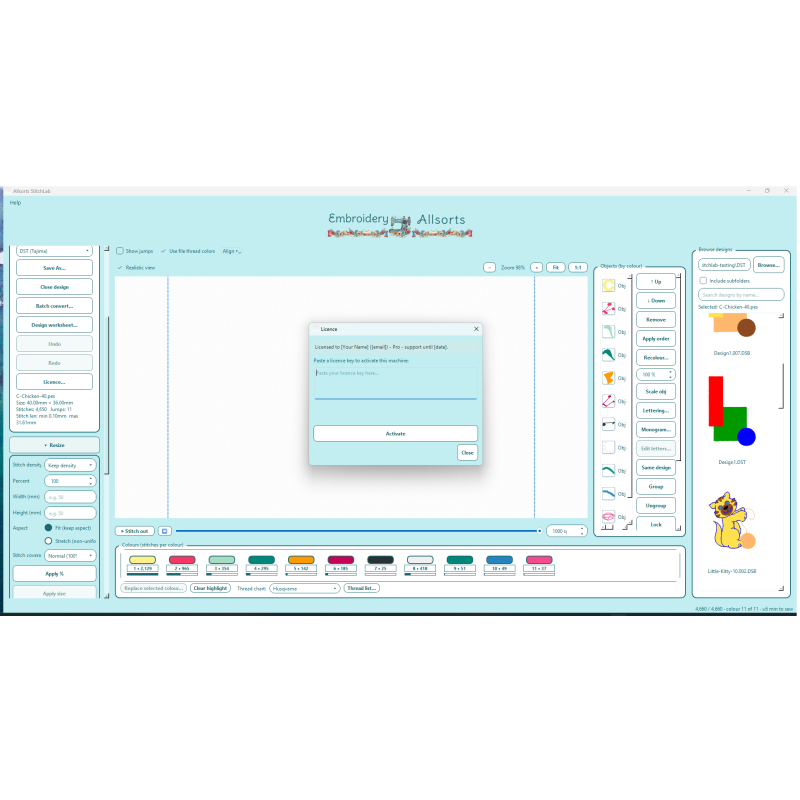
Upgrade from Standard to Pro at any time for $60.00, from Pro to Premium for $100.00, or from Standard to Premium for $160.00. Every tier includes 12 months support, then renewal is optional at $19.00 a year for Standard, $29.00 for Pro or $39.00 for Premium.
Free, Standard and Pro manage, edit, convert and letter the designs you already own. Premium adds the shape tools and a simple auto digitiser.
Start free, upgrade when you need more
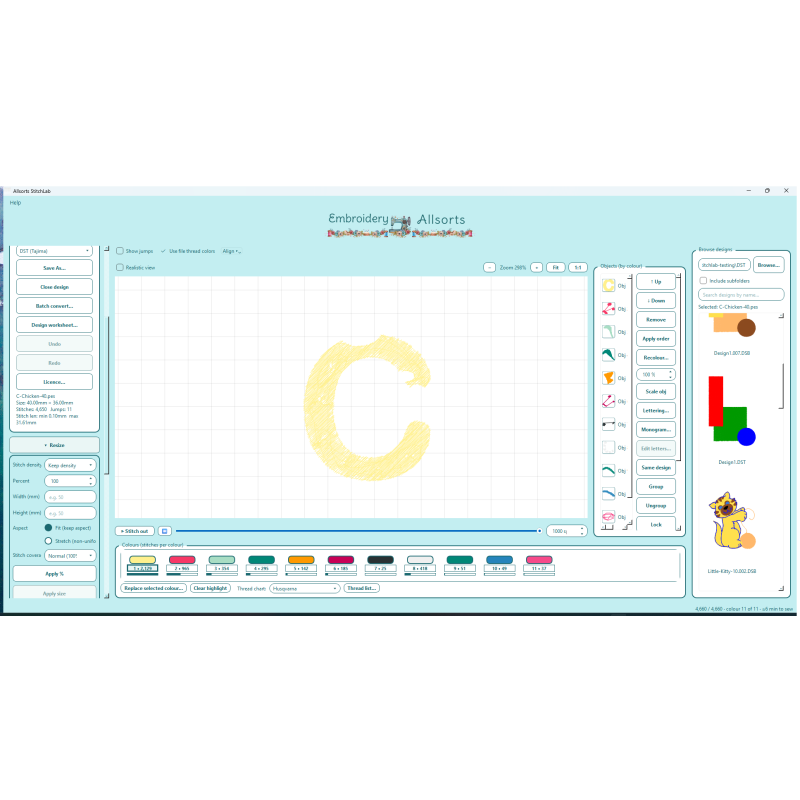
StitchLab's free version lets you open, view, resize, convert and send designs at no cost. Standard, Pro and Premium add lettering, editing, merging and digitising, each with a one-time perpetual licence. No subscription.
Works with your embroidery machine
StitchLab opens, edits and saves designs in all the major embroidery formats, including PES, DST and JEF, so it works with designs for whatever machine you own.
Send designs straight to your machine
AllsortsLink sends your design directly to your machine with no USB stick. It's included free for Halo machines, and for Brother and Baby Lock machines (beta). Direct send for more brands is in development. Until then, save to a USB stick as usual.
embroidery-allsorts.com
| StitchLab Features | |
| Single-design conversion | Free, Standard and Pro: open one design at a time and save it in another format. |
| Supported formats | 21 formats, including DST, PES, PEC, JEF, EXP, VP3, XXX, HUS, SEW, JPX and TAP. |
| Batch conversion | Standard and Pro: convert a whole folder of designs in one go. |
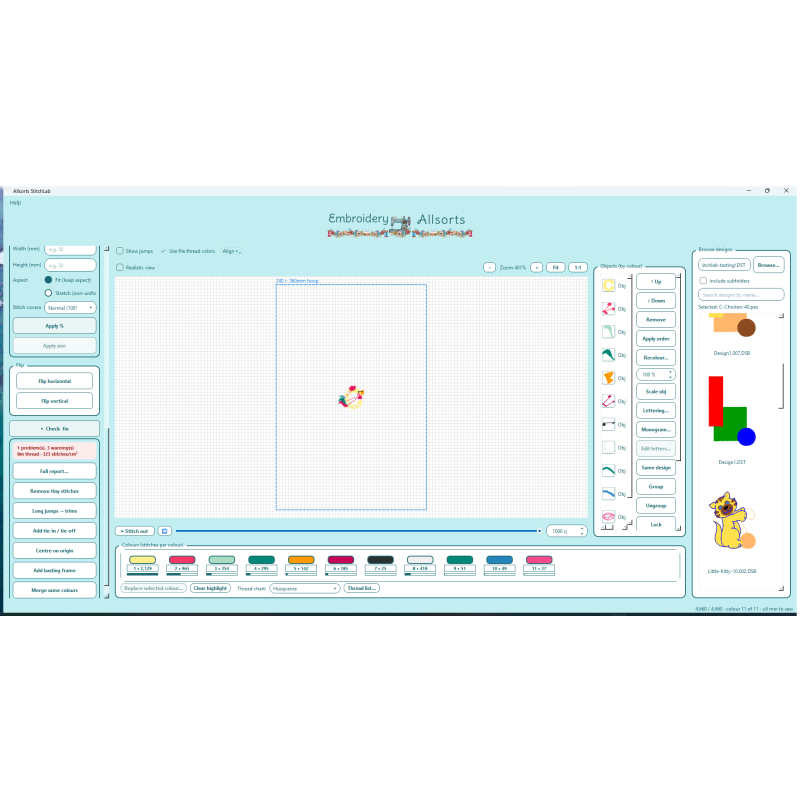
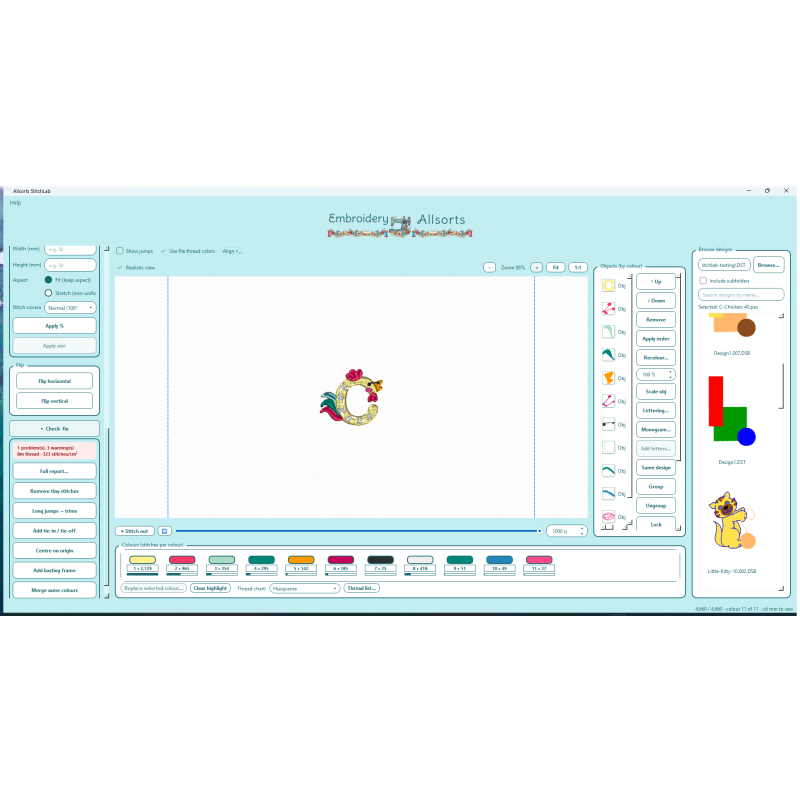
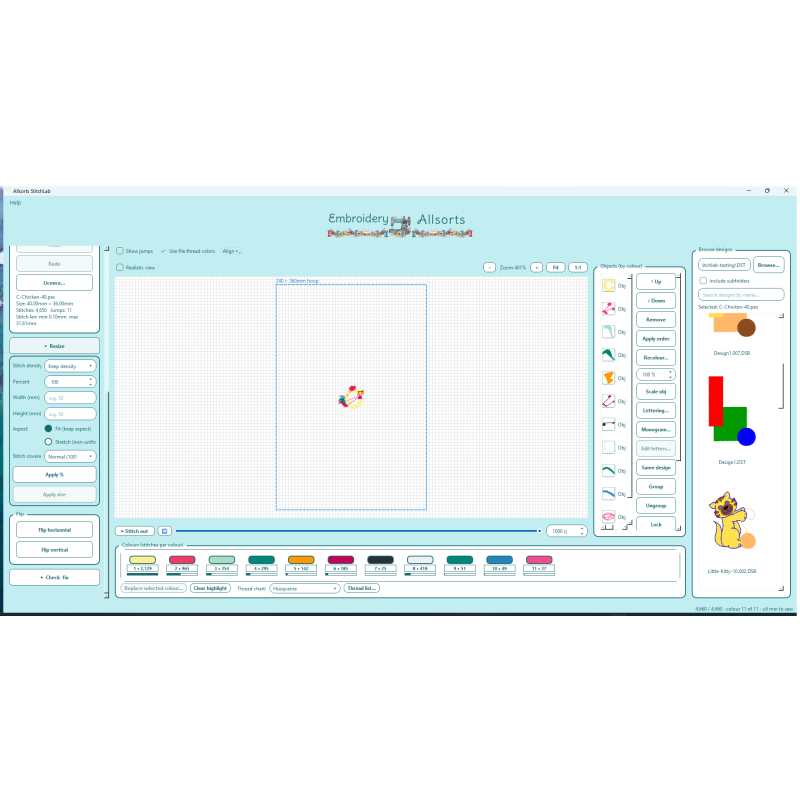
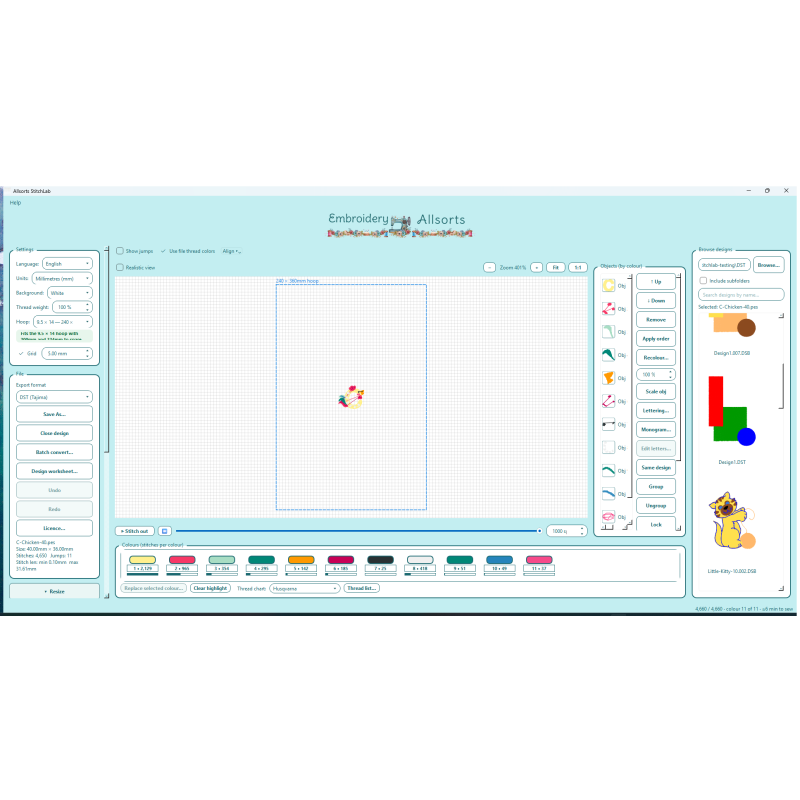
| Viewing & inspection tools | Free, Standard and Pro: realistic view, show jumps, playback, grid, colour chips, hoop view with fit warning, and a file manager with thumbnails. |
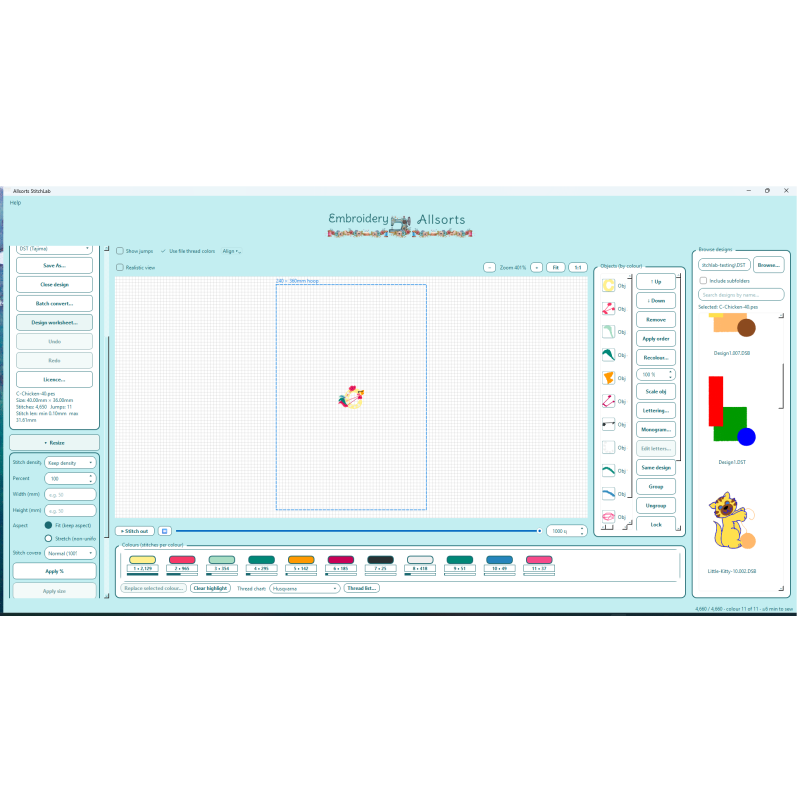
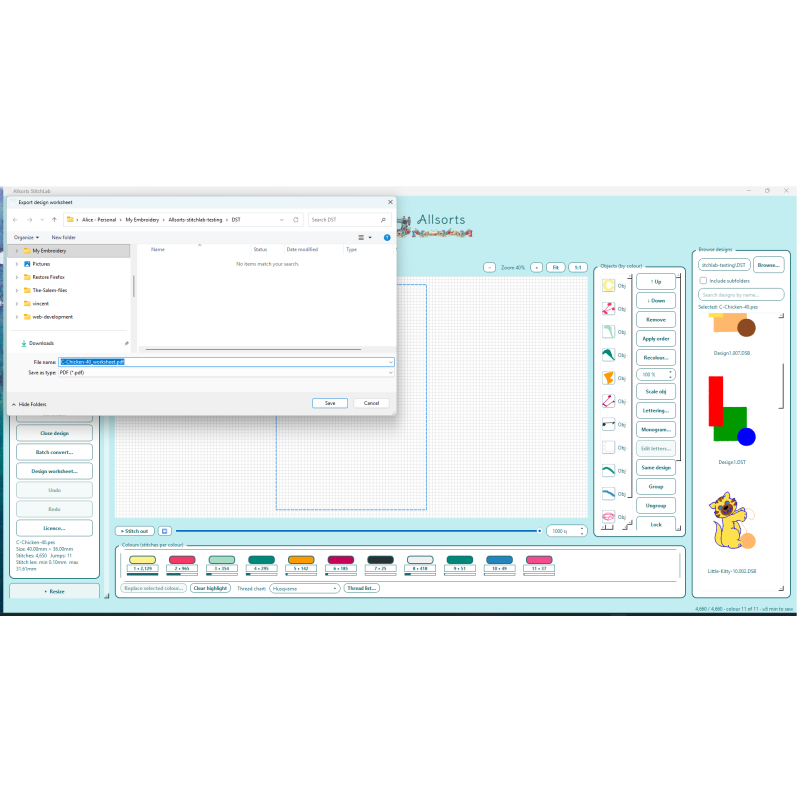
| Design adjustment tools | Free: density aware resizing with a live preview, flip, centre on origin and a printable design worksheet. Standard and Pro add a basting frame, knockdown, and shapes as a tatami fill, running outline or satin outline. |
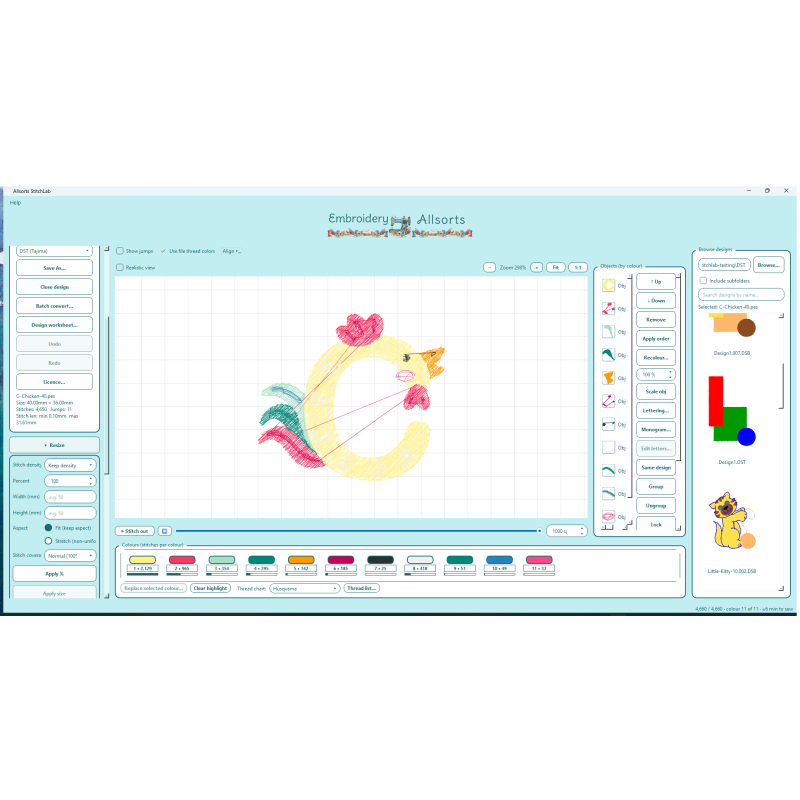
| Object editing | Standard and Pro: select, recolour, reorder, copy, paste and delete objects, nudge them with the arrow keys, align and distribute, group, ungroup and lock. Pro also resizes an individual object. |
| Check & Fix / Colour tools | Free: Check and Fix report. Standard and Pro: Check and Fix repairs, replace colour, thread charts and your own thread list. |
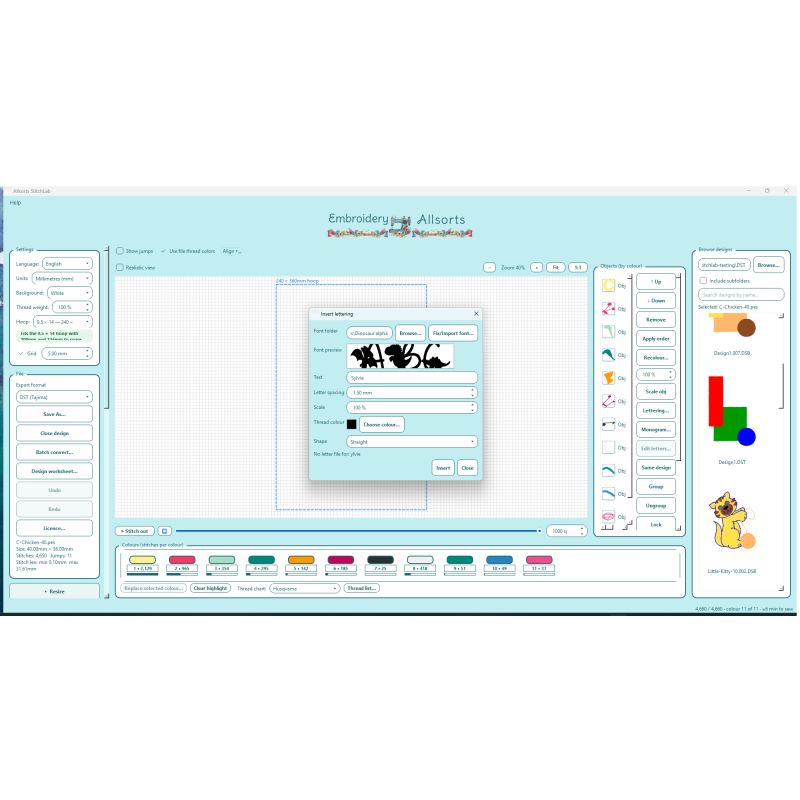
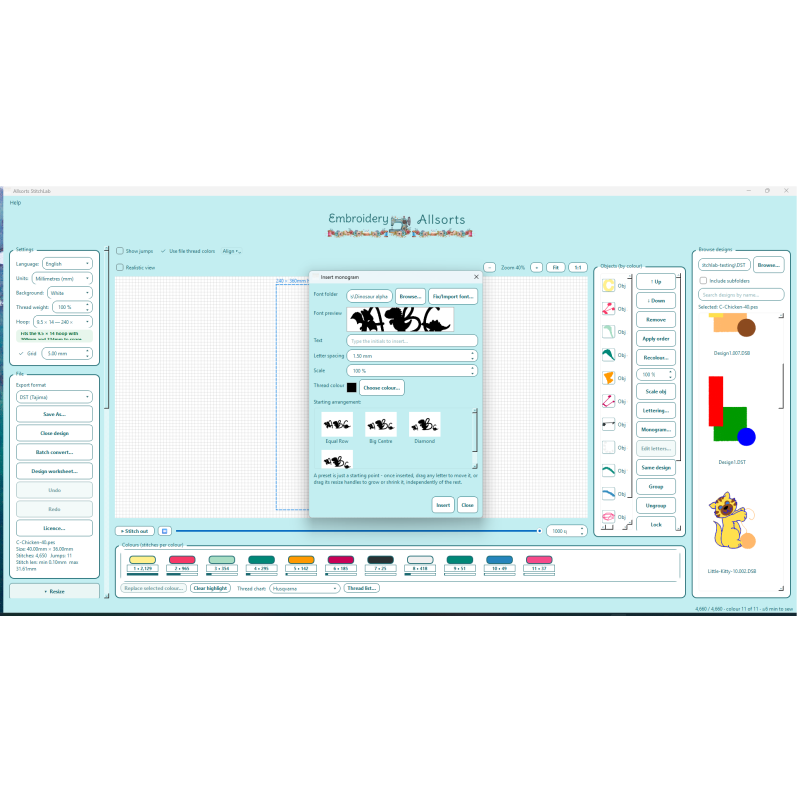
| Lettering | Standard and Pro: lettering, including your own alphabets. Pro adds monogramming. |
| Multi-design editing tools | Pro: merge a second design in, remove overlap, fabric preview under appliqué, and split a large design for multi-hooping with a hooping plan PDF. |
| Machine connectivity | Pro: AllsortsLink sends designs to your Halo machine and gets them back. Halo machines only for now. |
| Software Details | |
| Licence type | Perpetual, pay once |
| Operating system | Windows 10 or 11 (64 bit), macOS 13 Ventura or newer |
| Devices per licence | 2 |
| Support | 12 months included, renewal optional |
| Bug fixes | Free for life |
| Delivery | Instant download |
| Free version | Yes, with a 30 day trial of everything |
| Works with | Allsorts QuiltersLab |